What your customer sees
The checkout from your customer's side, for fixed and custom amounts.
Your customer doesn’t need a Gitpay account, and doesn’t need to know what Gitpay is. They open your link, see what they’re paying for, and pay.
Fixed amount
The link opens a secure checkout with your title, description and price. The customer enters their email and card details and pays.
Custom amount
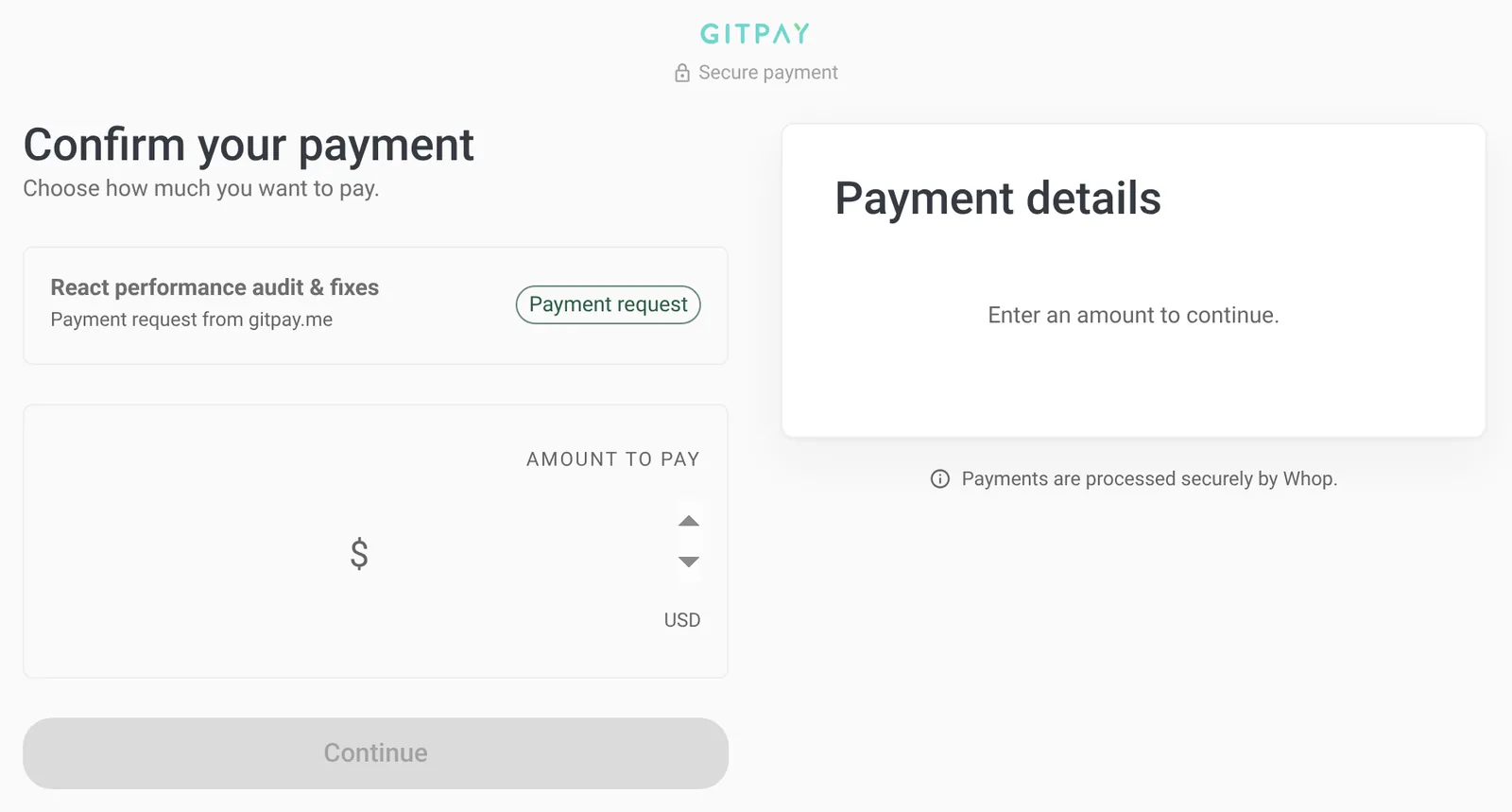
The link opens a Gitpay page that shows your title and description. The customer types the amount, selects Continue, and pays in a checkout embedded on the same page, without leaving it.
Payment methods
Customers pay by card. Depending on their country and device, the checkout can also offer other methods, such as Apple Pay. Payments are processed by Whop.
After paying
- The customer sees a confirmation.
- If you turned on Send email notification with instructions on payment, they get your instructions by email: next steps, delivery details, how to reach you.
- You get an email with the amount and the customer’s name and email.
If a link can’t be paid
The checkout won’t accept a payment when the link is turned off, or when Deactivate after payment is on and it was already paid. Send the customer a new link.
What to tell your customer
A short message works best:
Hi Ana, here's the link for the logo design we agreed on ($180, 3 concepts, 2 revisions):
https://gitpay.me/...
You can pay by card, no account needed.