
Choose your path
Pick the roles that match what you want to do. They decide what your dashboard shows, and you can change them at any time.
Gitpay has four roles. Most people use one, some use all four. Roles change what your dashboard and menu show first; they don’t limit what you’re allowed to do.
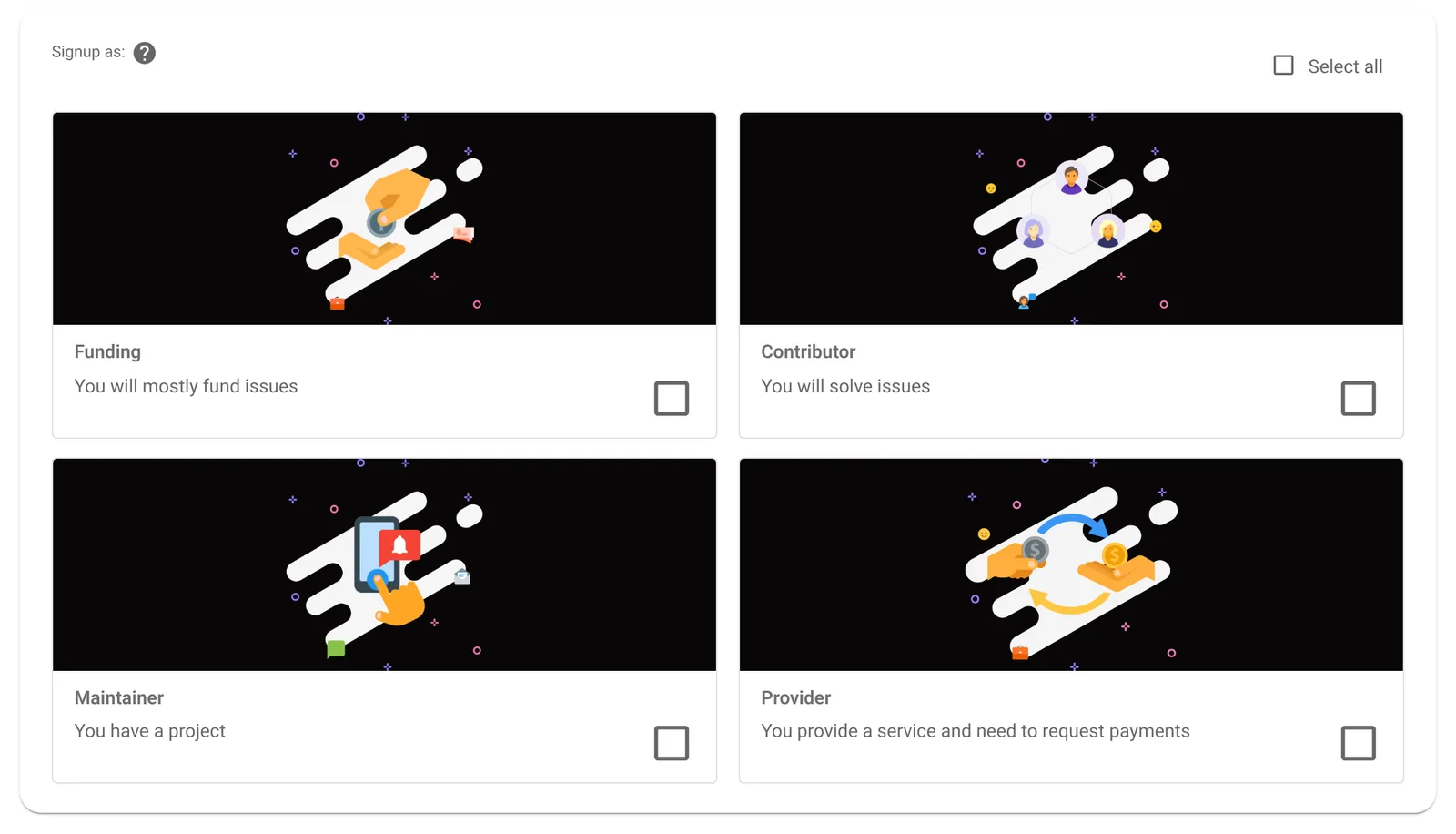
The four roles
| Role | In the app | Choose it if you… | Start here |
|---|---|---|---|
| Sponsor | Funding | want to fund issues, in your own project or anyone else’s | Get started as a sponsor |
| Contributor | Contributor | want to solve funded issues and get paid | Get started as a contributor |
| Maintainer | Maintainer | have a project and want outside help on its issues | The maintainer workflow |
| Service provider | Provider | sell a service and want to send payment links | Get started as a service provider |
Change your roles
- Open your profile from the account menu.
- In What types of users fit with you?, select the roles you want.
- Save.
Your dashboard updates right away.
What each dashboard shows
With more than one role, your dashboard has an Overview tab and one tab per role.
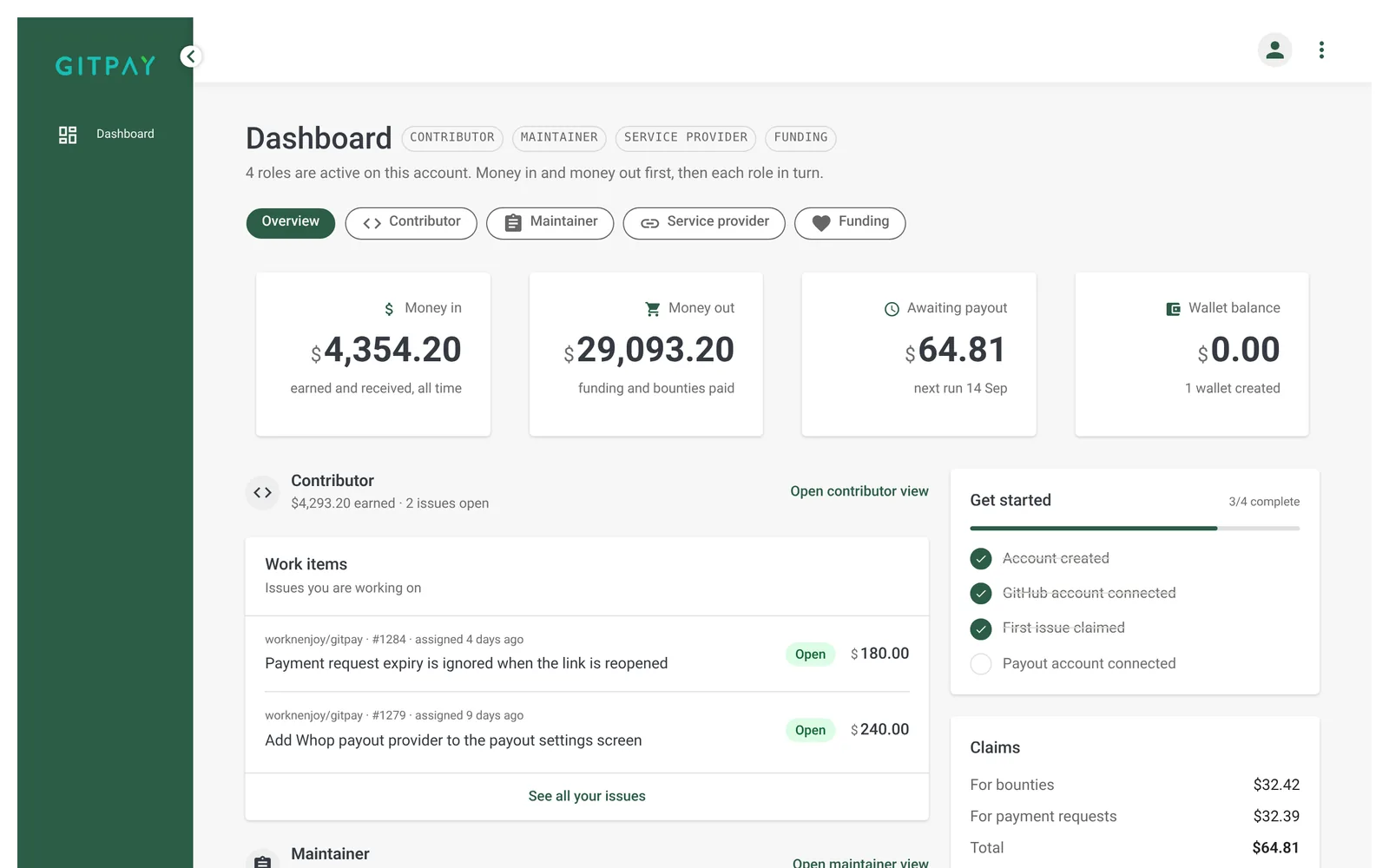
- Contributor: total earned, issues you’re working on, claims waiting for payout, and whether your payout account is ready.
- Sponsor: total funded, recent payments, projects you sponsor and your wallet balance.
- Maintainer: what you’ve paid contributors, your open and closed issues, and your projects.
- Service provider: revenue, payments received, customers and your payment links.
Each role also has a Get started checklist, so you can see what’s left to set up, for example connecting GitHub or activating payouts.
What every role needs
| Sponsor | Contributor | Maintainer | Service provider | |
|---|---|---|---|---|
| A Gitpay account | Yes | Yes | Yes | Yes |
| Signed in with GitHub | To import private issues | Required, to prove you authored the pull request | To import private issues | Only to import pull requests |
| Active payout account | No | To receive bounties | No | Required before you create a payment request |