
Organizations and projects
Every imported issue belongs to a project, and every project to an organization, each with its own public page.
Gitpay mirrors the structure of your Git host. A GitHub repository is a project, and its owner, a user or an organization, is an organization on Gitpay.
How they’re created
You don’t create them by hand. When you import the first issue from a repository, Gitpay creates:
- the organization, named after the repository owner;
- the project, named after the repository, with its programming languages.
Later issues from the same repository are added to the same project.
Public pages
Each organization and project has a public page that lists its issues on Gitpay, with their bounties and states. Share it with your community: it’s the list of everything people can get paid to work on.
Browse them
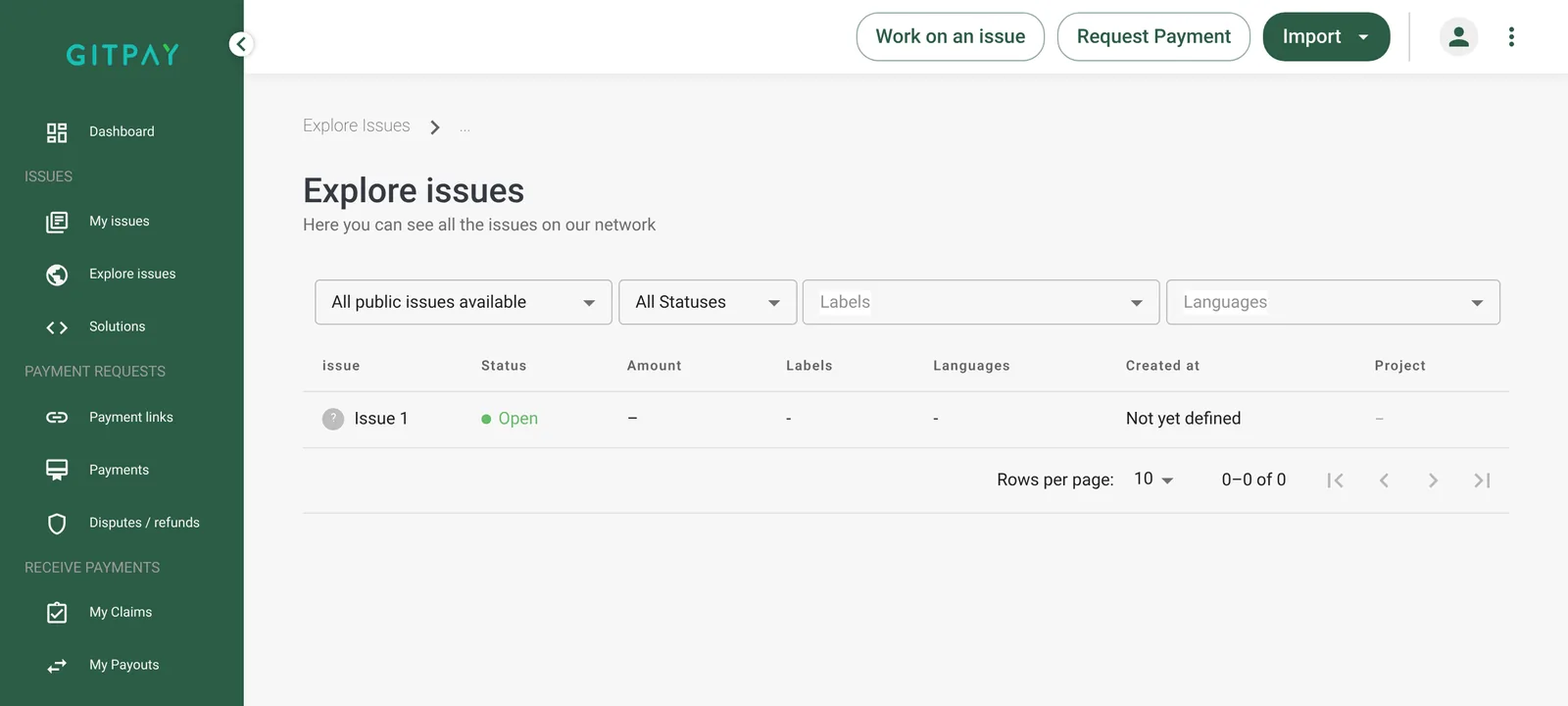
Explore has tabs for issues, projects and organizations. Projects can be filtered by programming language, so contributors find work in the languages they know.
Your projects
With the Maintainer role, your dashboard lists your projects and organizations, and My issues shows the issues you imported from them.